The Truth Tag
One script on your site, pasted once. Every page then carries grounded schema, proof links and discovery links, and you control all of it from Truthbased, not your CMS.
What it is
A single line in your site's <head>:
<script src="https://truthbased.ai/t/your-brand/tag.js" async></script>
When a page loads, the script asks Truthbased what it knows about that page and adds three things to it. Nothing is written into your CMS. Turn a feature off in Truthbased and it is gone from your site within about five minutes.
| It adds | What that means | Who reads it |
|---|---|---|
| Grounded schema | JSON-LD built from your signed facts only: organisation, offers and prices, a FAQ from your answer checks. | Google, Gemini |
| Proof links | A few verified claims on the page get a dotted underline and a small tick, linking to the page that proves them. Your own pages first, the Truth page at most twice. | Visitors, crawlers |
| Discovery links | Two head tags that point agents at your llms.txt and entity map. | AI crawlers |
The tag serves nothing until your Truth page is published. See Prove your domain and publish your Truth page.
Install it
-
Open the brand, then Truth Tag in the left menu. Press Copy on the snippet.
-
Paste it inside the
<head>of your site template. A tag manager, Netlify snippet injection, or the "custom head code" box of any site builder works too. Publish the site. -
Press Re-check. The status line changes to "Live on your-domain" when the tag is found on your homepage.
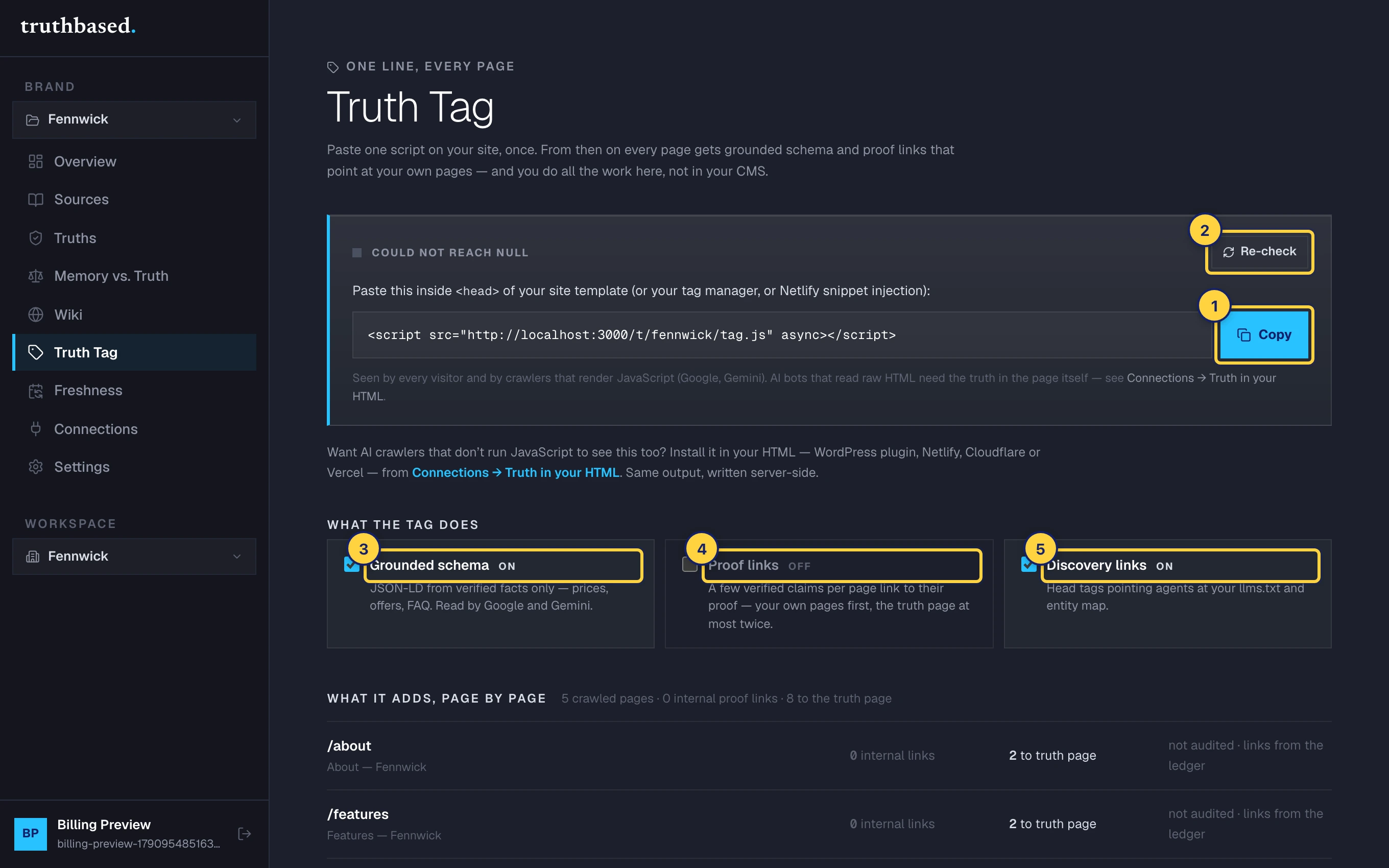
The Truth Tag tab. ① Copy the snippet. ② Re-check after installing. ③ Grounded schema. ④ Proof links. ⑤ Discovery links.
Choose what it does
The three switches under "What the tag does" each save immediately.
- Grounded schema is on by default.
- Proof links are off by default. Turn them on once you have signed off your facts and looked at the page-by-page list below, so you know which claims will get a link.
- Discovery links are on by default.
See what it adds, page by page
Below the switches, every crawled page gets a row: how many proof links it carries, how many point to the Truth page, and how many of its claims are backed by a signed fact. Open a row to see each link as the quoted sentence and where it points.
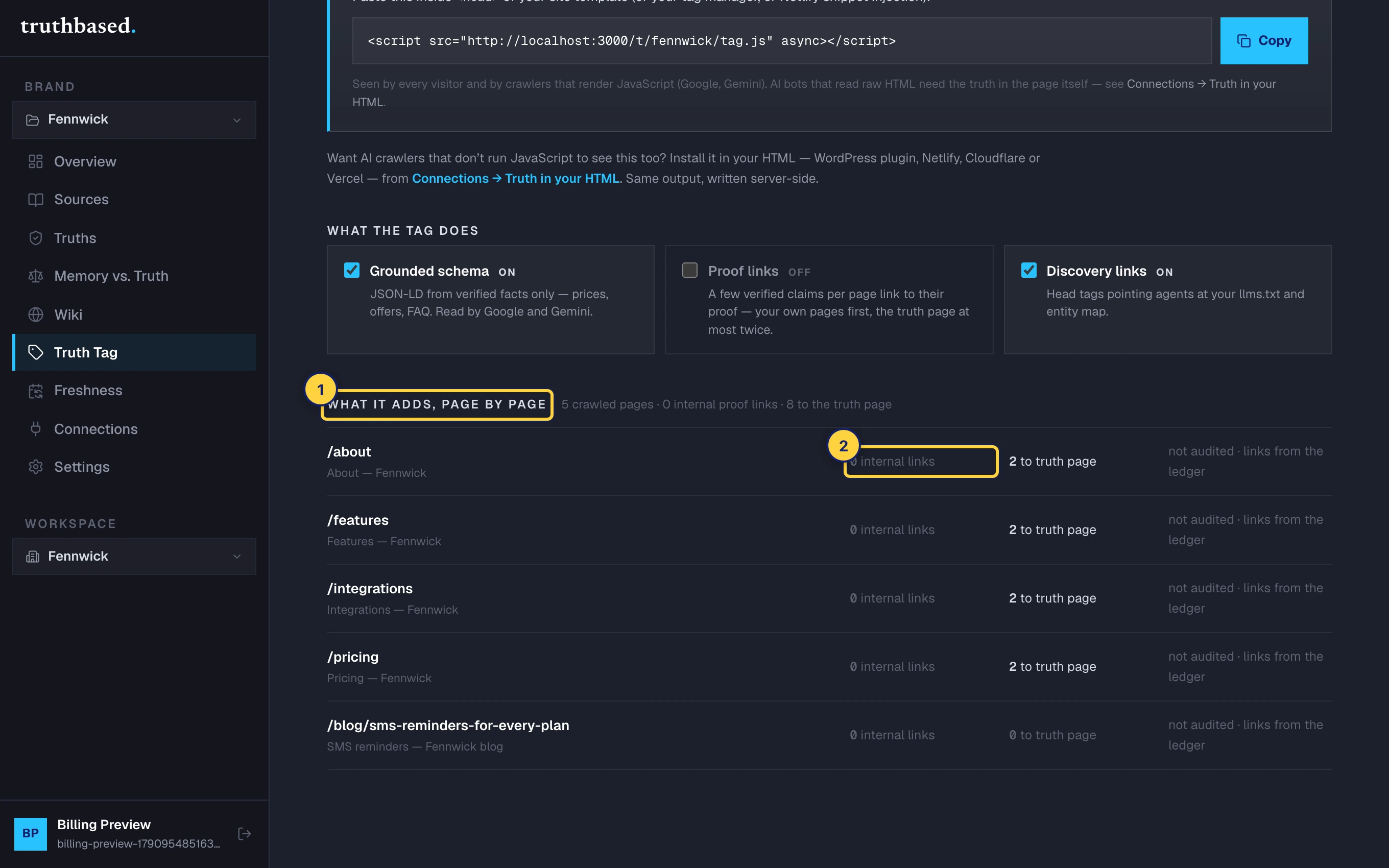
If a page shows "not audited", the links come from the fact ledger alone. Run a claim audit from the Truths page to get schema for that page and the backed-claims count.
Check it from Connections
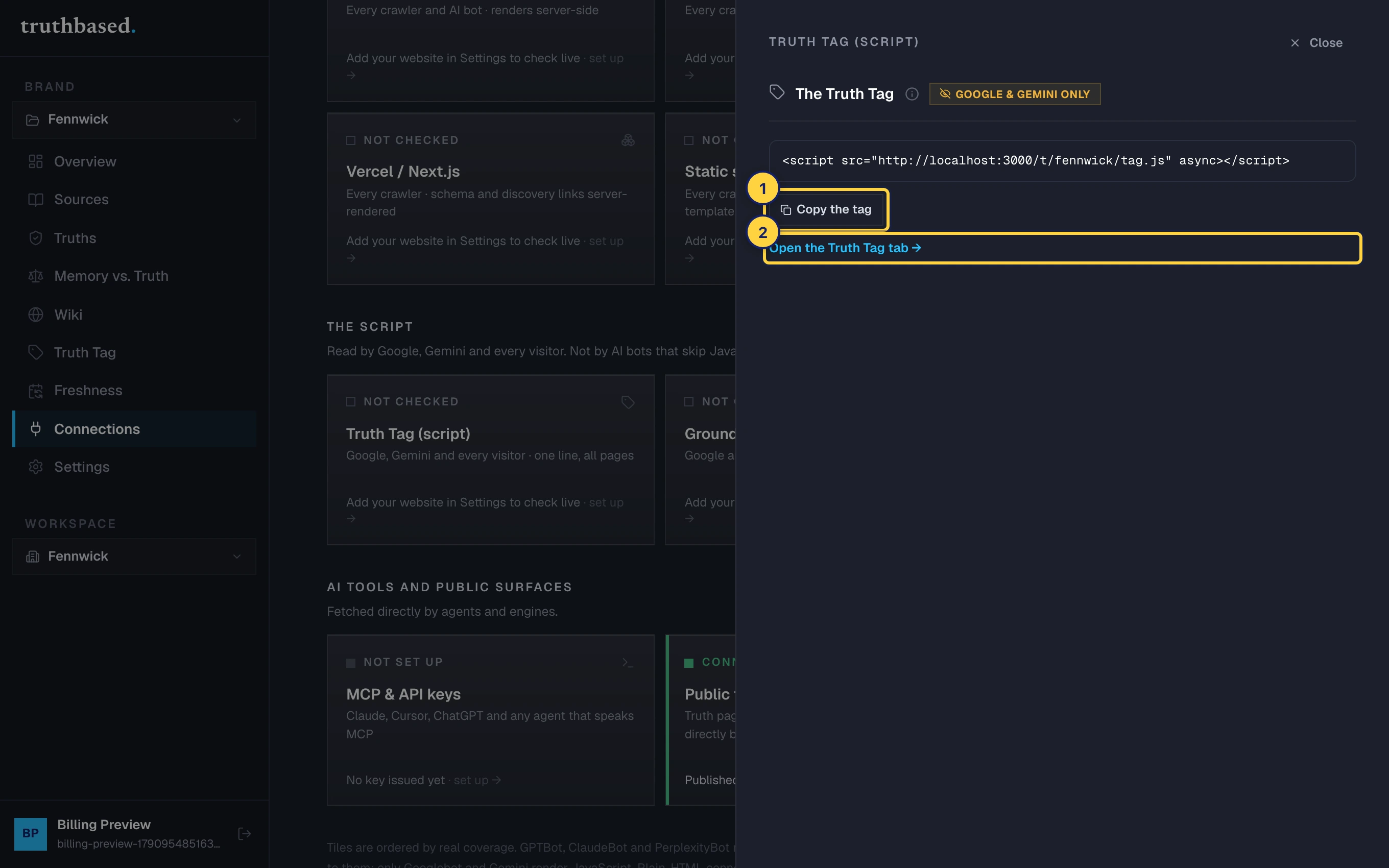
Connections shows every way your facts reach the web, checked against your real site. The Truth Tag tile reads Connected when tag.js is found on your homepage, Not set up when it is not, and Disconnected when it was seen before and is now missing. Re-check my site fetches your homepage again.
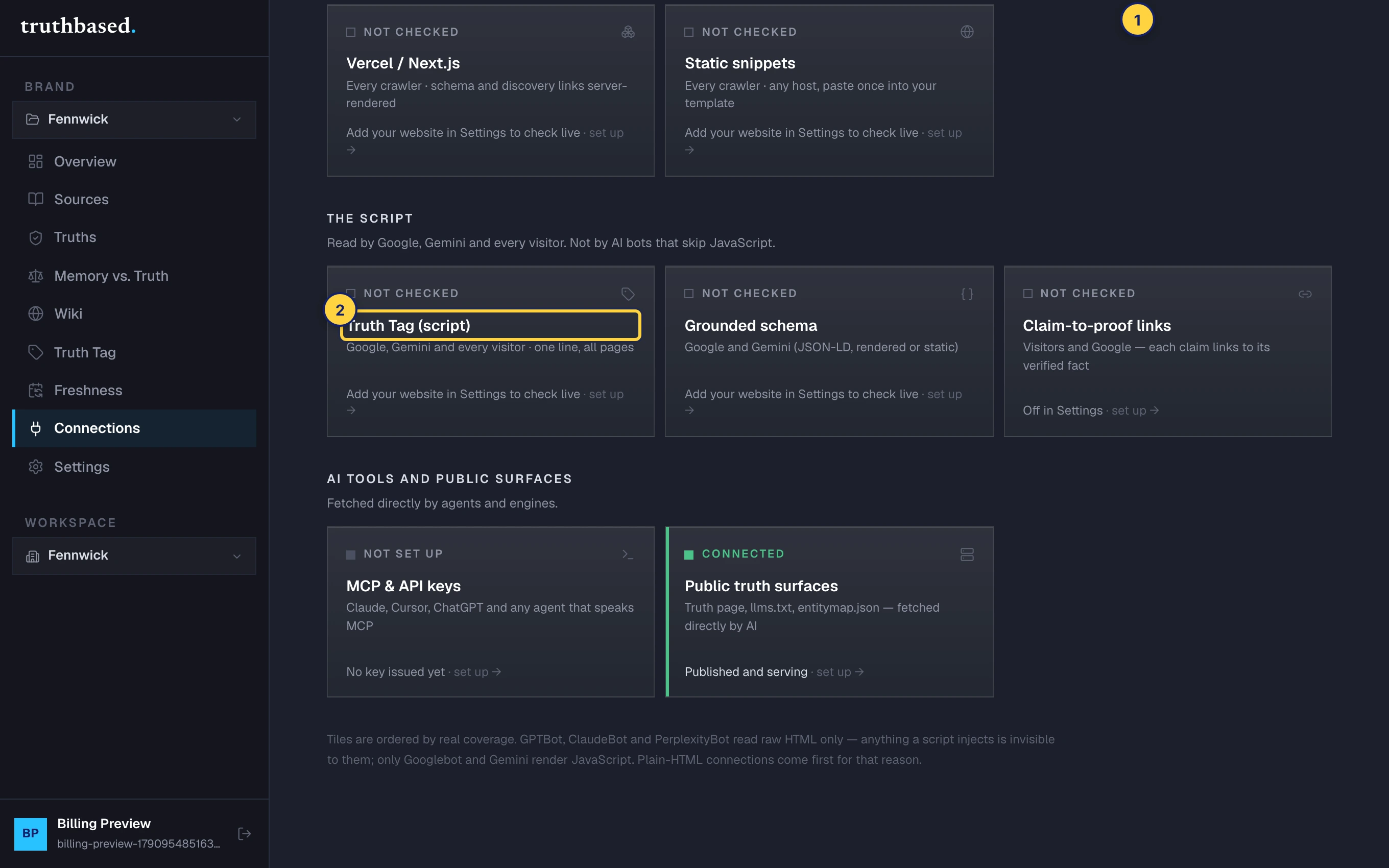
The tile opens a drawer with the same snippet and a link back to the Truth Tag tab.
If something is off
- "Not found on your-domain yet." The homepage was fetched but the script was not in it. Check that you published the site, and that the snippet is on the homepage template, not only on one page.
- "Could not reach your-domain." Your site did not answer. Check the website address under Settings.
- "Partial · older schema.js / links.js found." You installed the older single-purpose loaders. Replace them with the one tag.
- Proof links underline the wrong sentence. The link attaches to the first exact match of the quoted text. Reject or correct the fact under Truths and the link goes with it.
What to do next
- MCP and API keys to let AI tools fetch your signed facts directly.
- Public truth surfaces for the page,
llms.txtand the entity map the tag points at.